



Sommer 868MHz Smart Garage Door Opener Wifi Rf Bridge Tuya App
Available in stock (995)
SPECIFICATIONS
App: Tuya / Smart life
Brand Name: Scimagic-RC
Certification: CE
Choice: yes
Encoding method: Rolling code
For: SOMMER 868MHz
High-concerned chemical: None
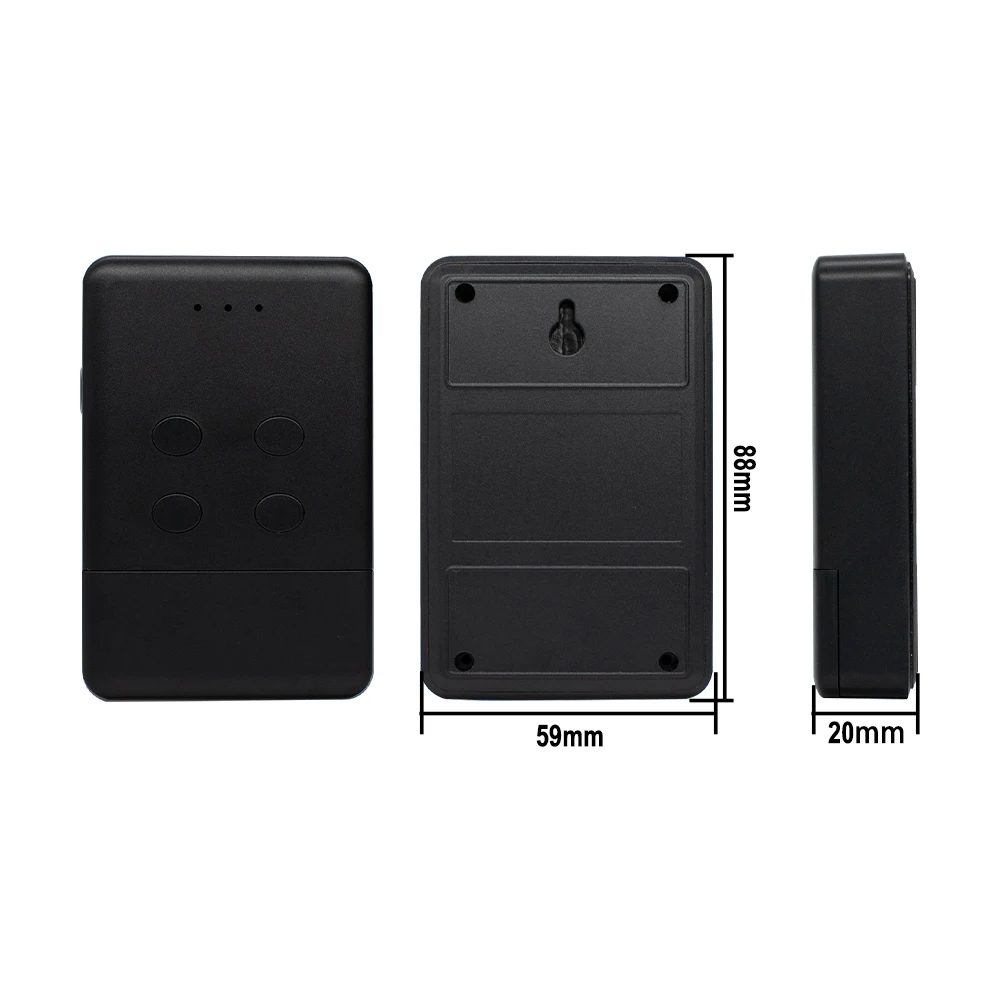
Model Number: 3073
Origin: Mainland China
Power supply method: USB Type-c 5V
Voice Control: Alexa Google home
Wireless: Wi-Fi 2.4ghz b/g/n
semi_Choice: yes
You have two version options
Version1: WIFI+RF
Version2: RF
Compatible with
SOMMER 4026 TX03-868-2
SOMMER 4020 TX03-868-4
SOMMER 4031
SOMMER 4025
SOMMER 4011
SOMMER 4035
APERTO 4025
APERTO 4021
4020V000
4025V000
4026V000
4031V000
4011V000
4035V002
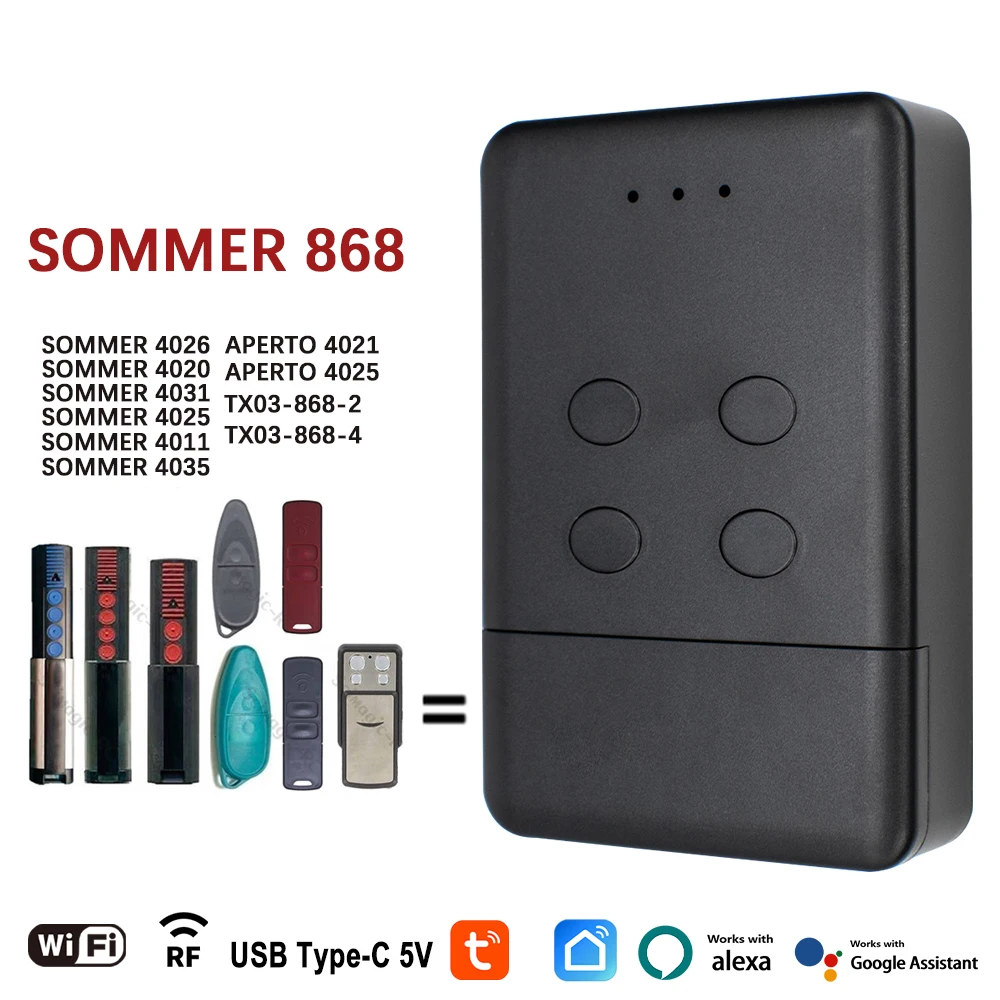
Version1: WIFI+RF
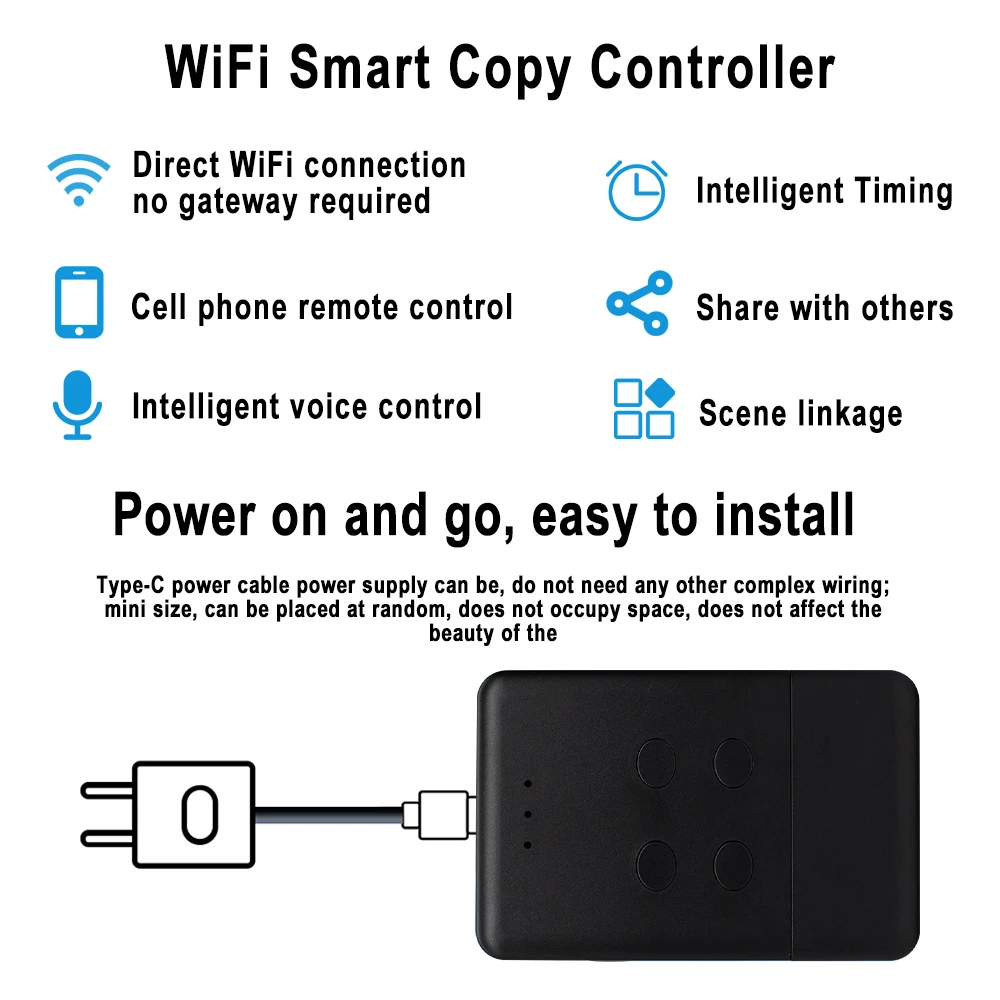
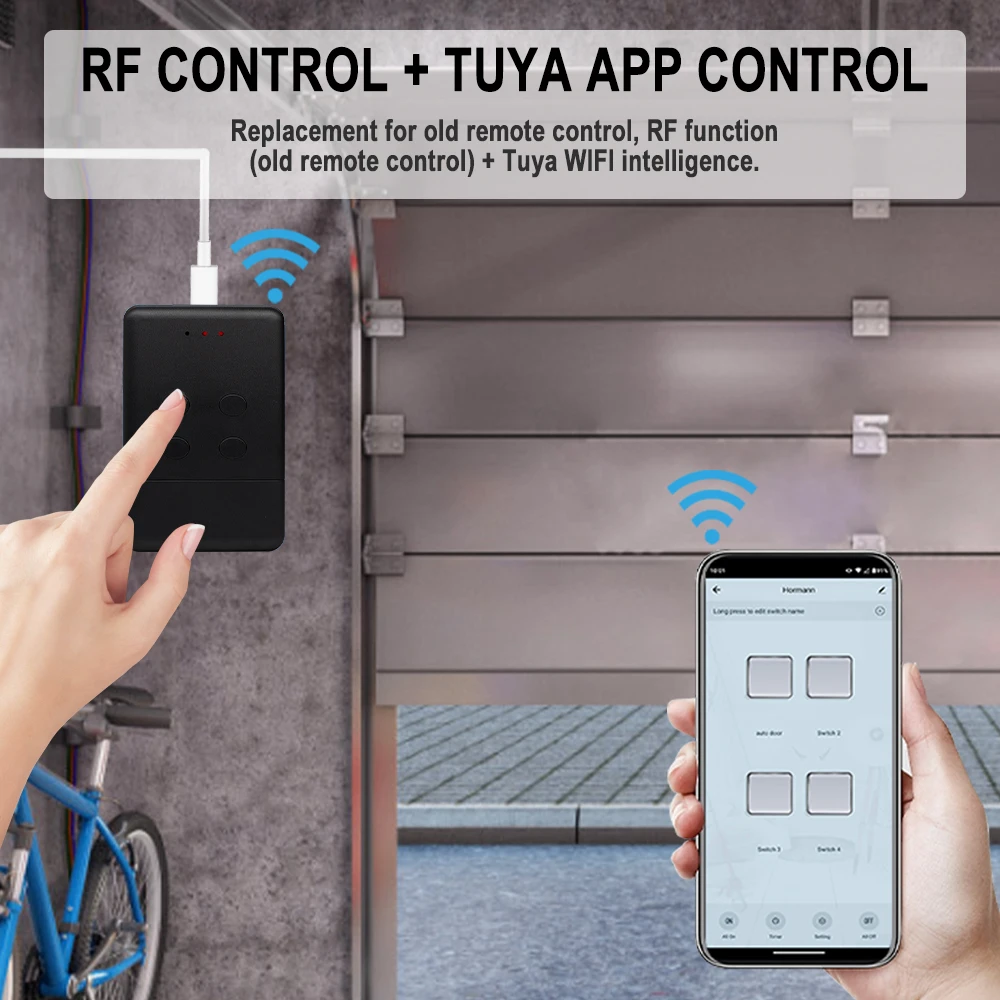
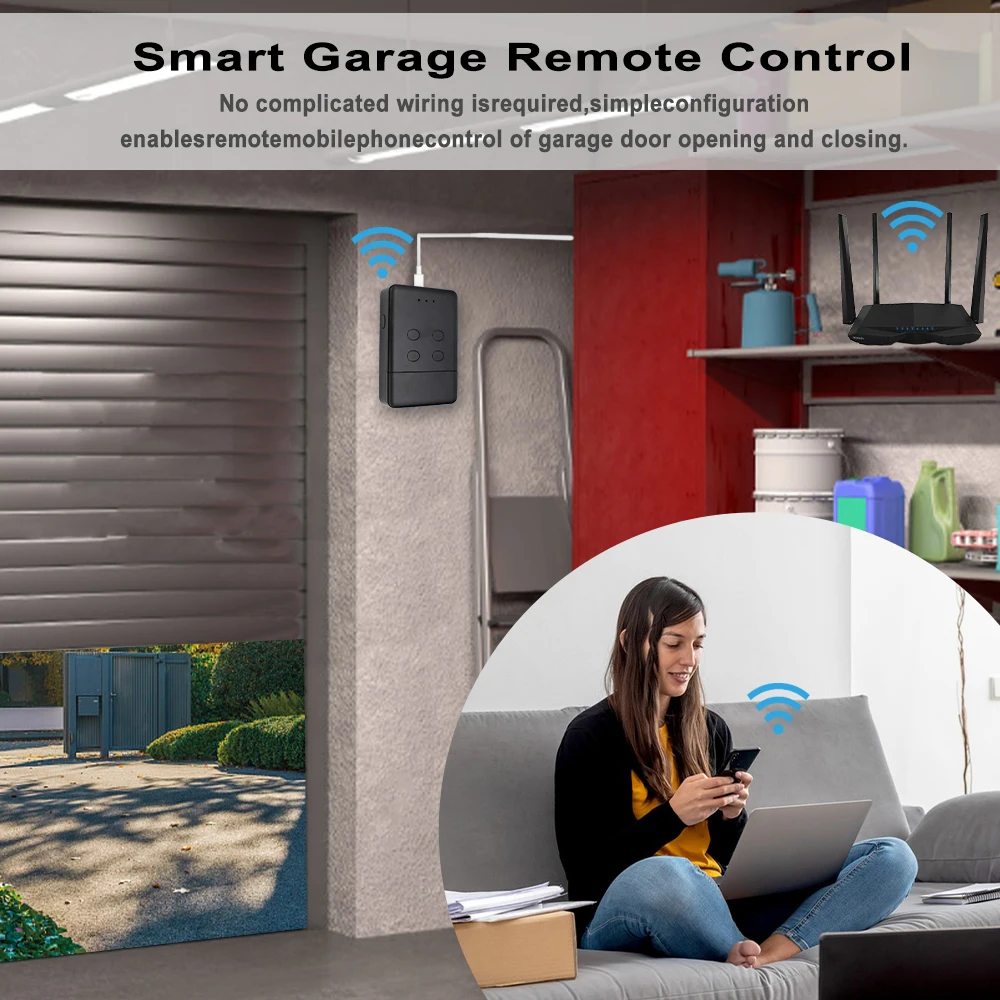
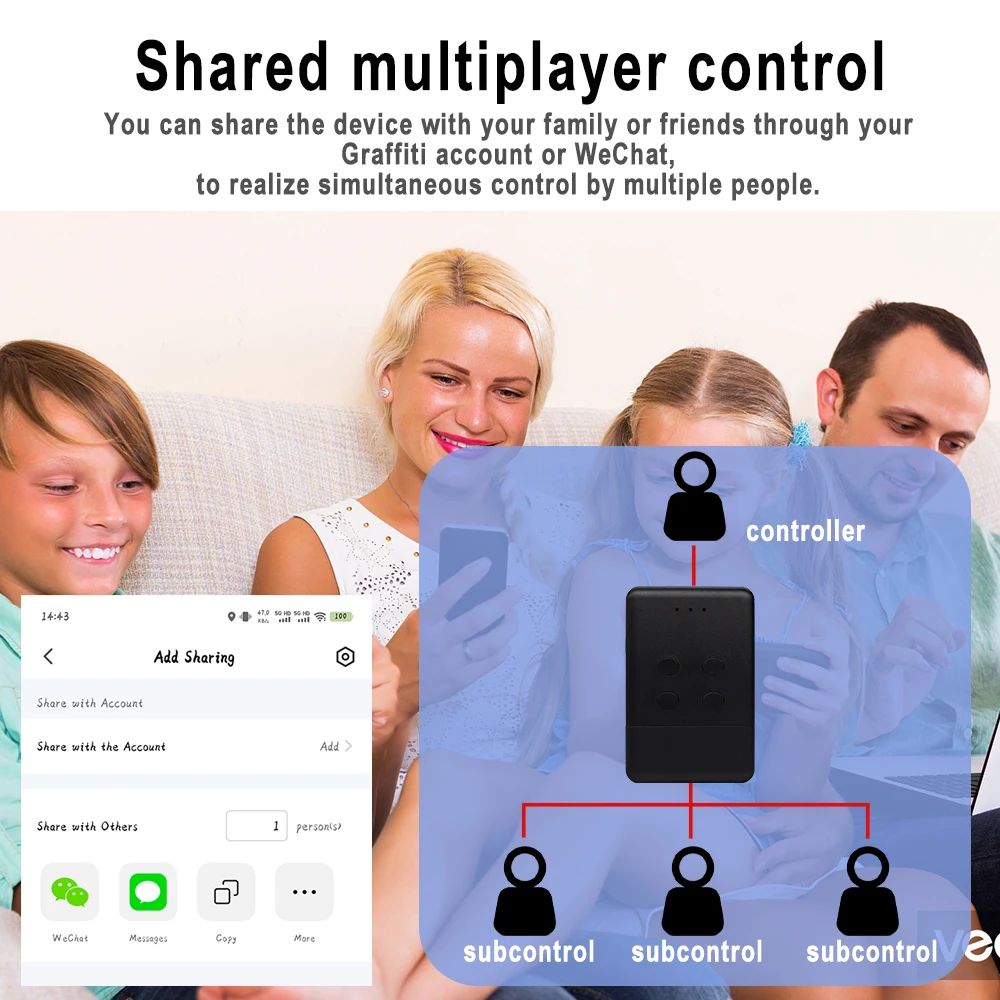
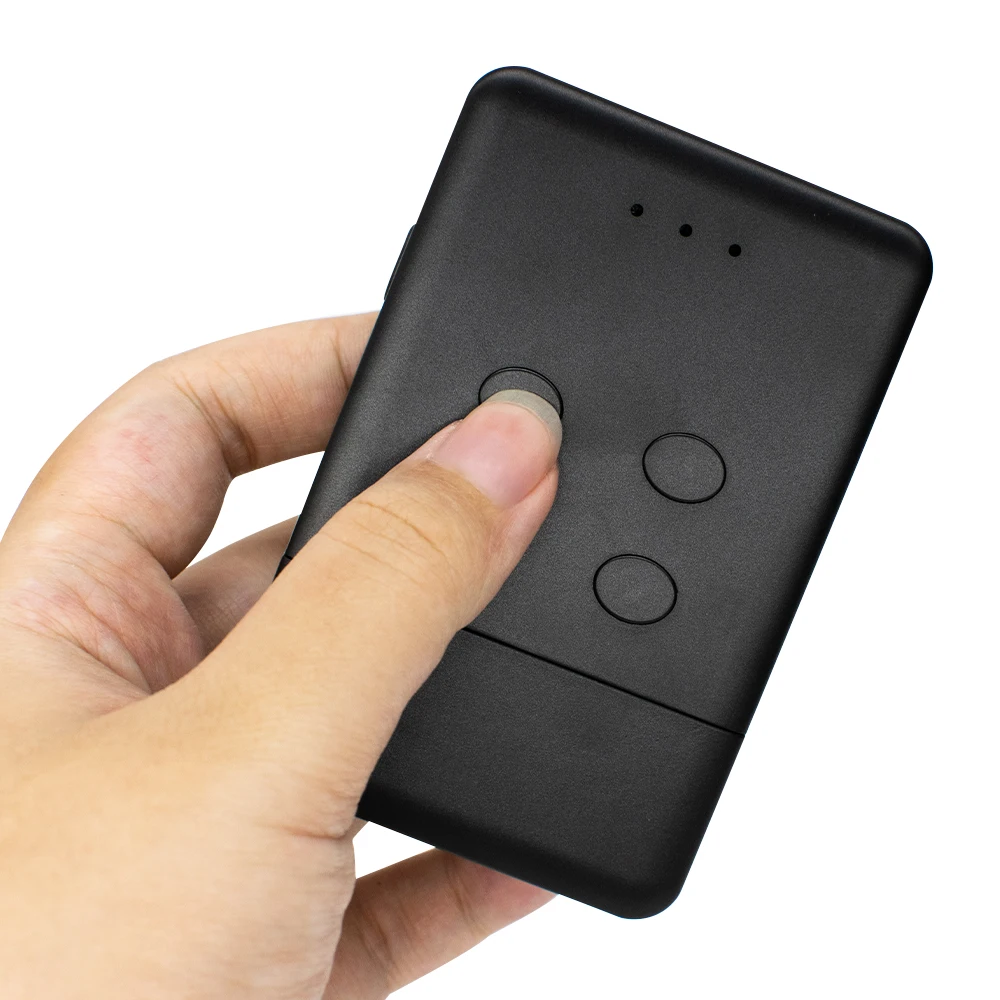
It combines Rf and TUYA mobile app control, After the device paired with the network, you can realize the remote control of your gate through the tuya mobile app. You can connect the voice audio to realize voice control of your gate. you also can share the control of the device to other people and you can remove the control of other people. This smart device eliminates the complicated receiver wiring and allows you to conveniently, quickly, and securely realize the remote control of your gate by mobile app/smart speaker/RF control
Highlight
【APP Remote Control】
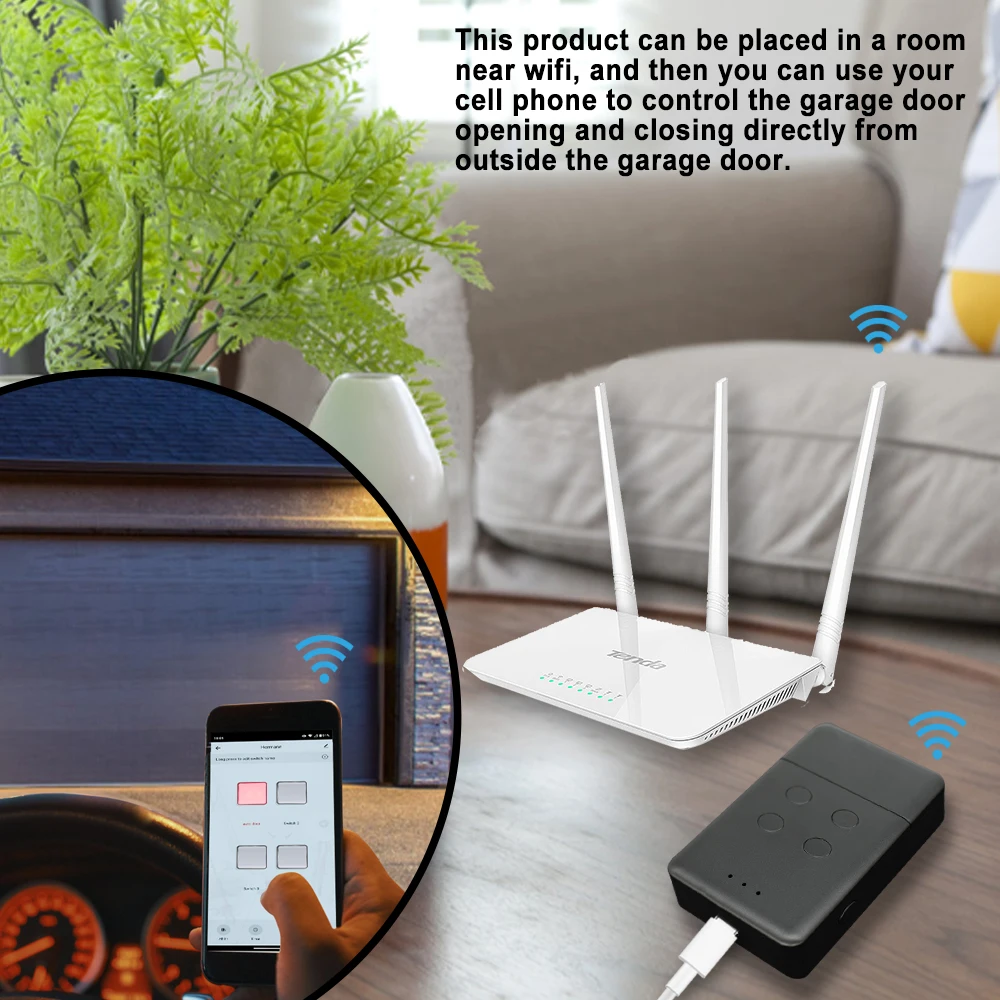
After the equipment has been distributed to the network,You can check the working state of the device in Tuya APP anywhere and anytime.
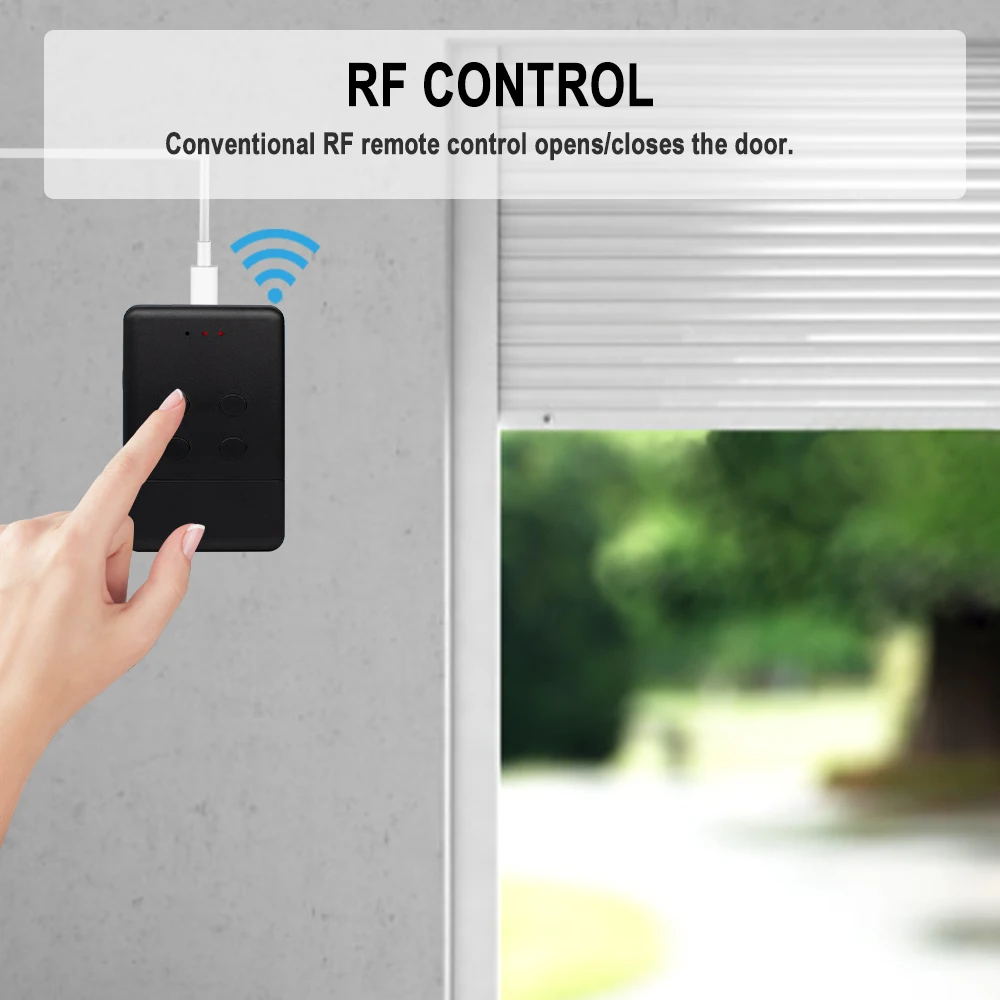
【RF Control】
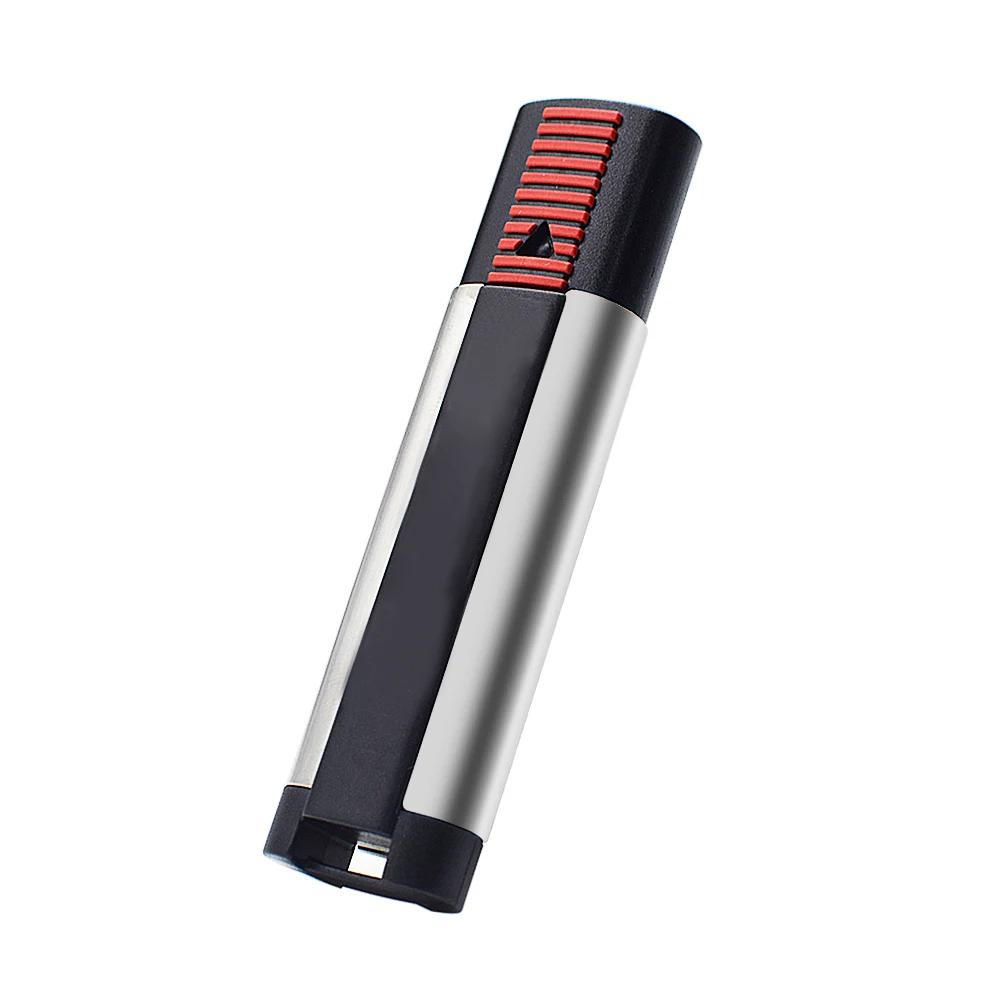
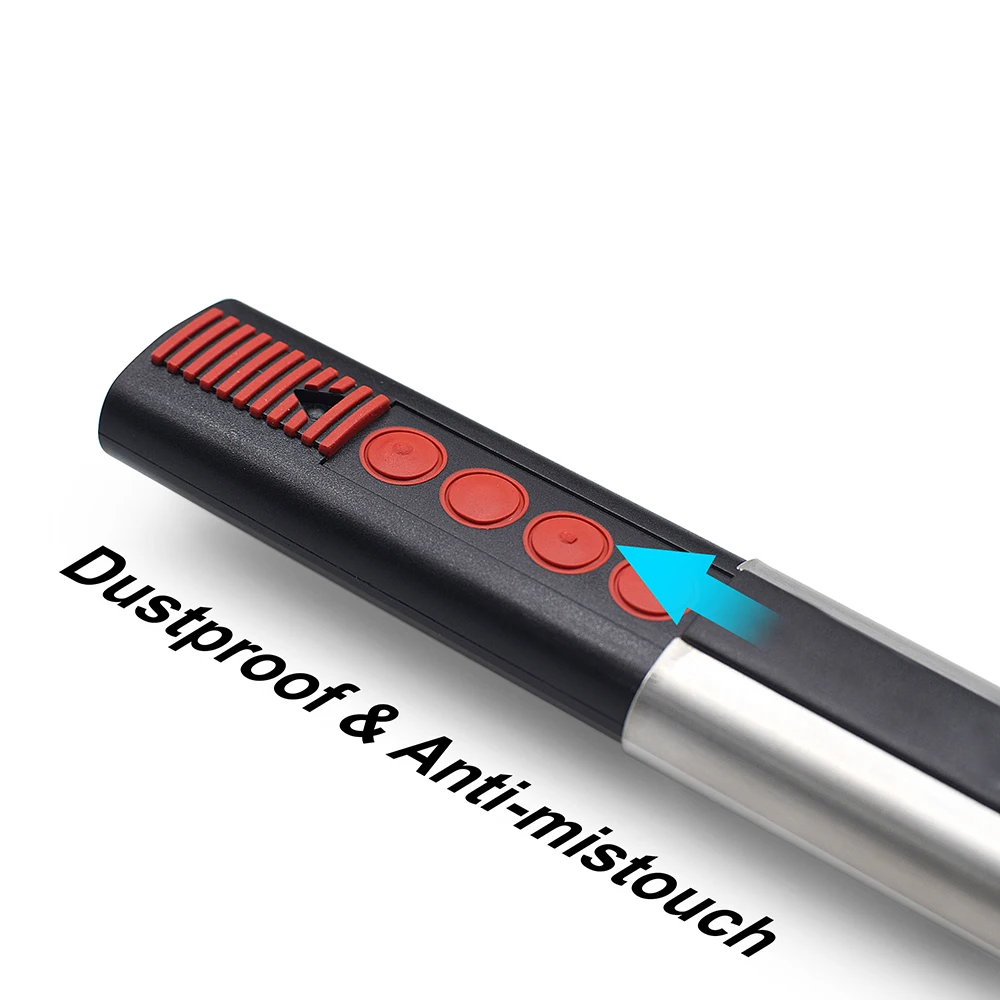
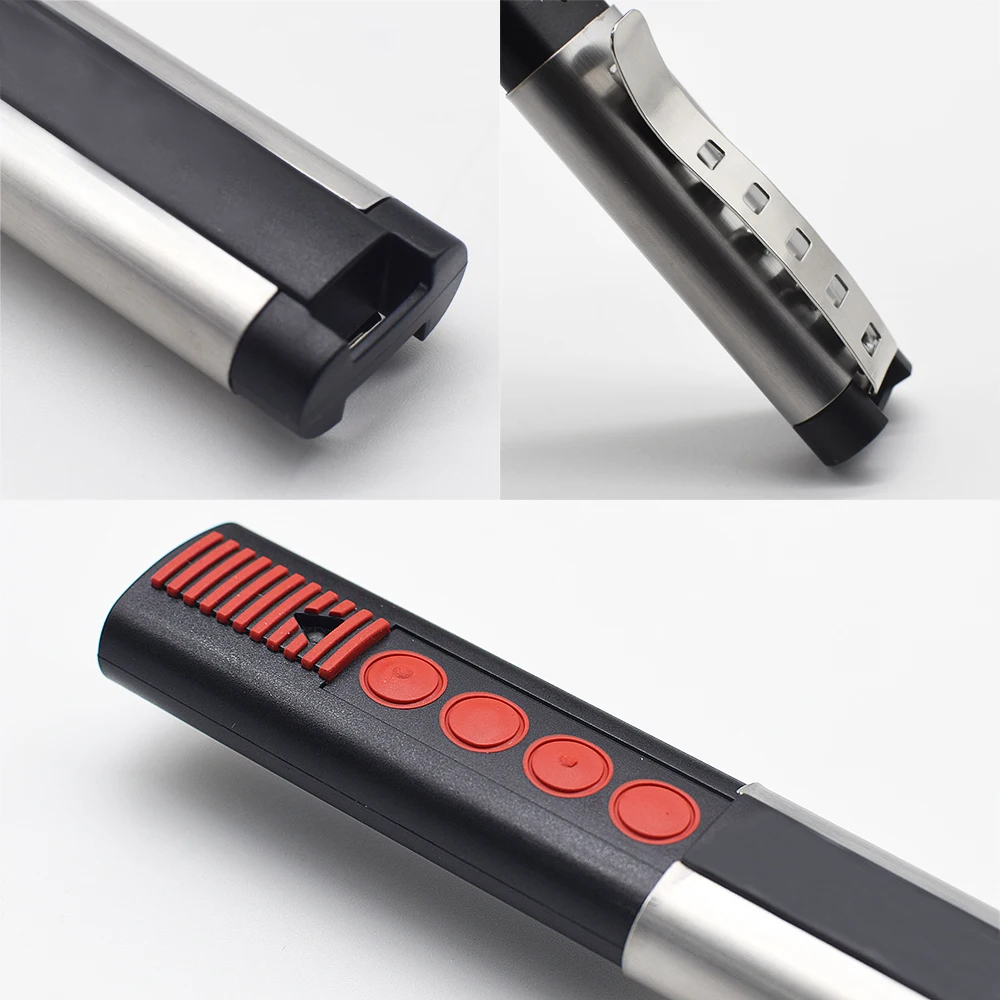
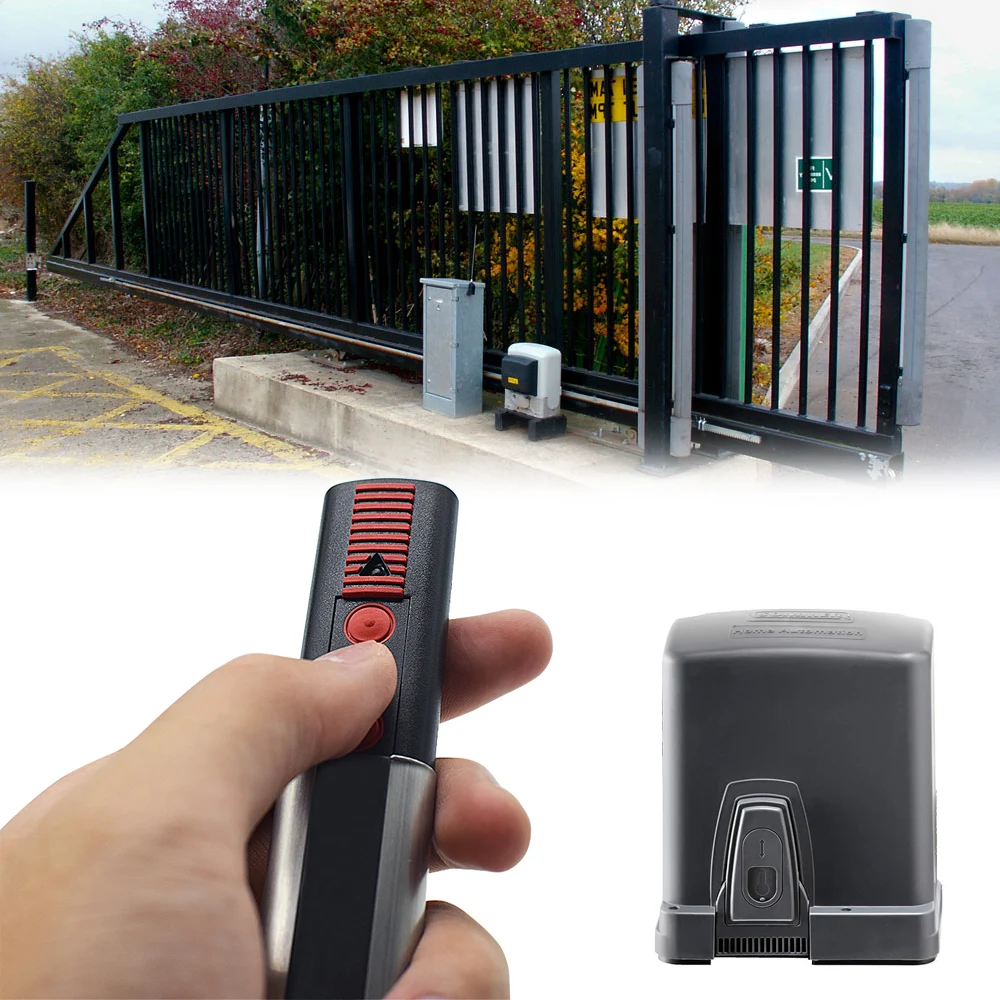
It can be used as an RF remote to control your garage gate door
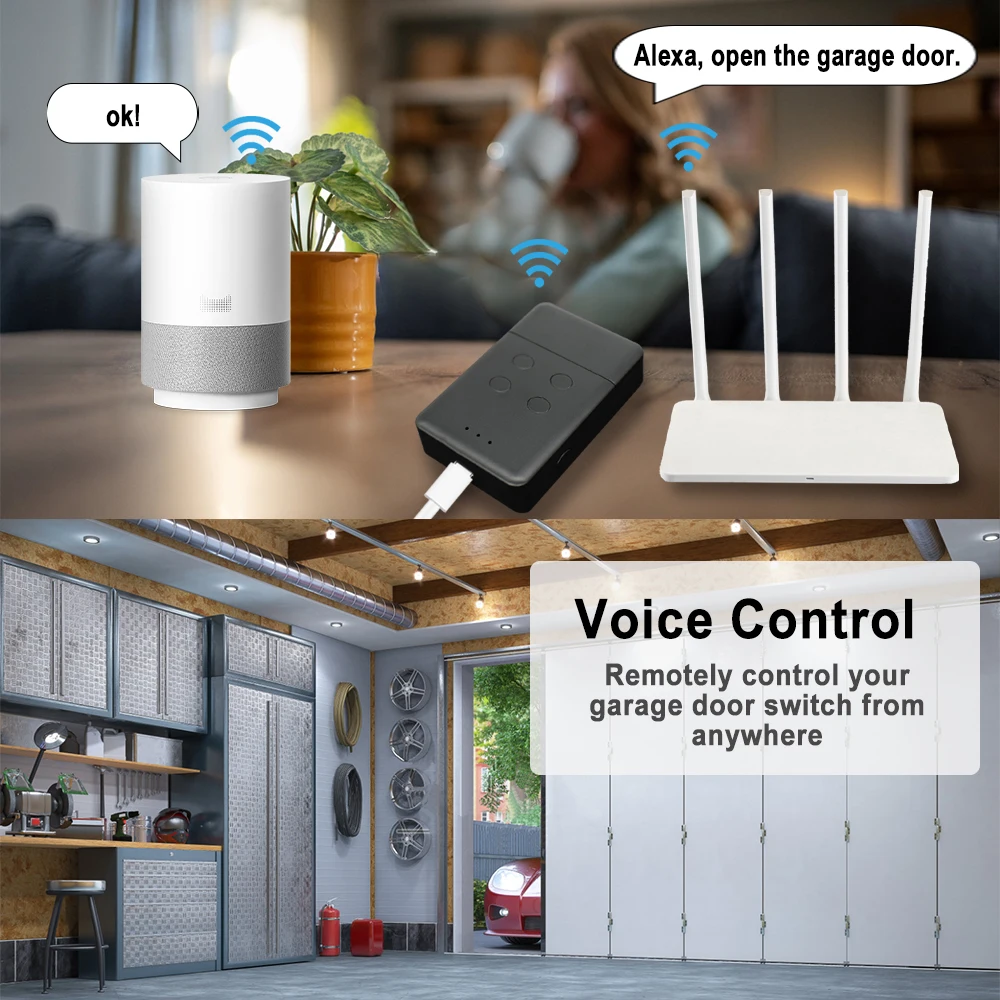
【Voice Control】
You could voice control the device by Alexa/Google Assistant.
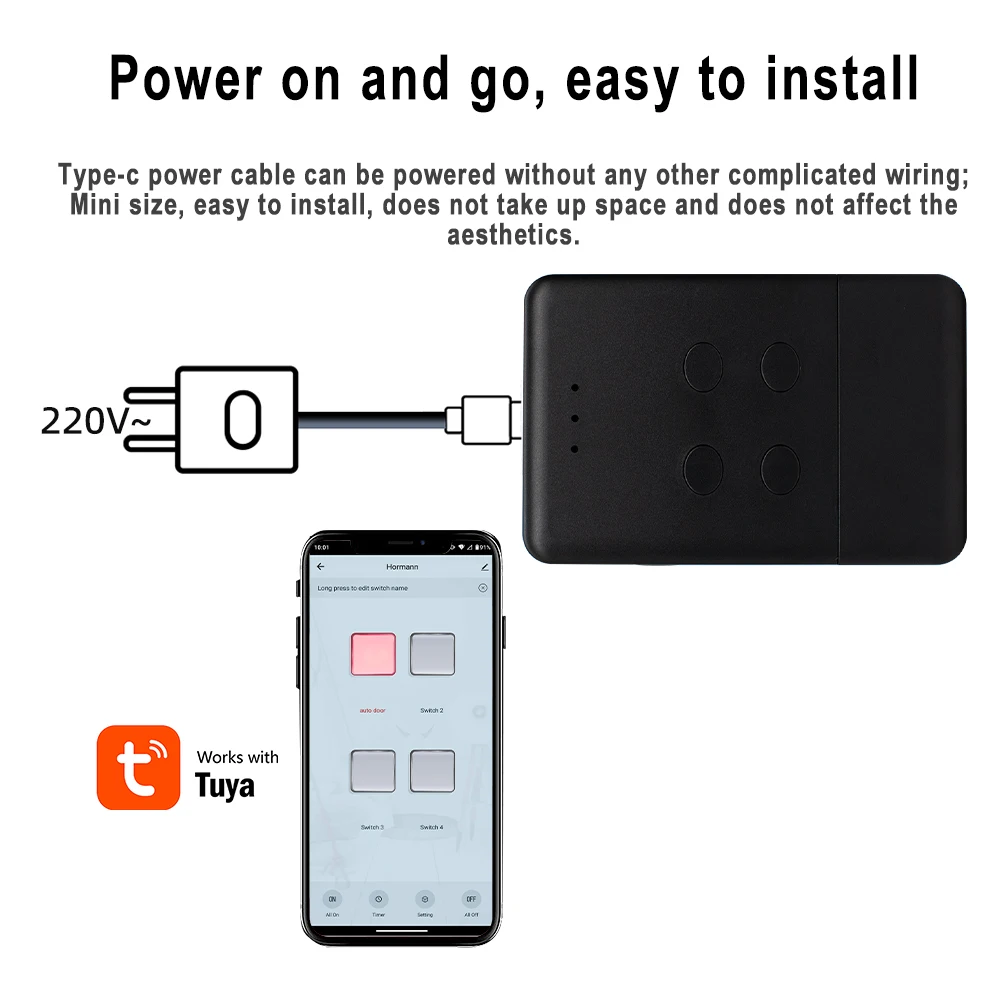
【Recommended installation】After powering up the device, there is no need for complicated wiring to enable your mobile phone to control your front door
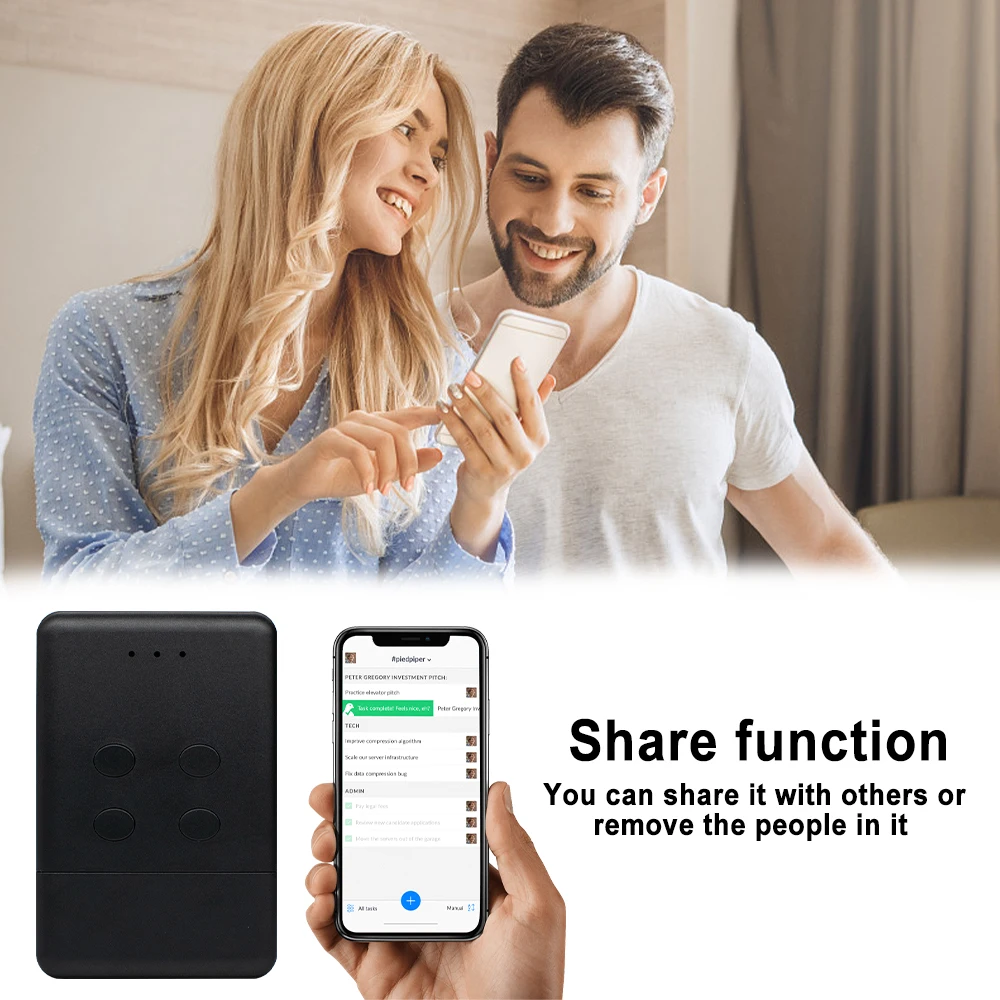
【Share function】You can share garage door control with your family, or friends, and you can remove other people's garage door control.
How to Use
Energise the equipment.USB Type-C 5V
1. Press the LEARN button or the transparent button located under the SOMMER motor. The LED light on the motor blinks slowly. Let the button go.
2. During the next 10 seconds, press a desired button on your new remote control.
3. The LED light on the motor blinks faster. Let the button go.
4. Press the same button again on your new remote control. Keep it pressed down.
5. The LED light on the motor blinks very fast. Let the button go.
6. Your new remote control is programmed.
After successful programming, you can connect the device to the app for mobile phone control
After doing one of the above steps, you can start connecting your mobile phone
Checklist before using the device
Your smart phone or tablet has connected to a2.4g WiFi with internet.
You need to enable Bluetooth of the phone.You have the correct WiFi PWD.
You have the correct WiFi PWD.
You smart phone or tablet must have access to APP store,Google play.
Your router is MAC-open
User Guide
1.You can download the App by searching
“Tuya Smart”in mobile app stores or scanning the following QR code.
2.Register an Tuya Smart account.
3.If you have Tuya Smart account. just log in.
4.Start pairing
Reset the device first:
if the network indicator(red light) blinking fast(0.5S/time) , skip the reset step.
①Power on
②hold down the Reset button for 10 seconds.until network indicator(red light) blinking fast(0.5s/time).
③Clicking in the top right corner on tuya smart app.then click“Auto scan" ,wait a few seconds, After the devices are found,click "Next"
④Select a 2.4GHz Wi-Fi network and enter your password.
⑤Name your device.
⑥Start controlling your device with your mobile phone.
Version2: RF
Specification:
Comaptible with
SOMMER 4026 TX03-868-2
SOMMER 4020 TX03-868-4
SOMMER 4031
SOMMER 4025
SOMMER 4011
SOMMER 4035
APERTO 4025
APERTO 4021
4020V000
4025V000
4026V000
4031V000
4011V000
4035V002
Not compatible with SOMMER TX55 868
IMPORTANT!!! Not compatible with Sommer 868 MHz SOMloq2 (Pearl, Pearl Twin, Pearl Vibe hand-held transmitters)
Activating the Remote Control On the Receiver
The remote control is the same function as your original remote.it should programming with original receiver according to your original Manual when you get it.
1. Locate the Learn / Code Set button on the motor. This is usually under the lamp cover, or on the back of the motor.
2. Press the Learn / Code Set button once, then let go. A light should illuminate.
3. Press the desired transmitter button once, and the light will go out.
4. Press the remote again the the light will flash on the motor and then go out, signifying the remote has been coded. 5. Test the operation of the remote.
Subscribe and place an order of $75 or more today, and we’ll send you a 10% discount code as a thank-you for your next purchase.
Couldn't load pickup availability
How long will it take to receive my order?
How long will it take to receive my order?
Most U.S. orders are estimated to arrive within 7–12 business days after processing. Orders to other eligible countries are also usually estimated at around 7–12 business days, depending on the product, carrier, and destination. However, delivery is not guaranteed, and some orders may take up to 7–25 business days because of carrier delays, customs, supplier processing, weather, or other shipping conditions.
What if my item arrives damaged, defective, or incorrect?
What if my item arrives damaged, defective, or incorrect?
Contact us within 7 calendar days of delivery. Please include your order number, checkout email, clear photos or video proof, and a short explanation of the issue. If approved, we may provide a replacement, refund, store credit, partial refund, or another suitable resolution.
Where can I find the full policy details?
Where can I find the full policy details?
For complete details about returns, refunds, shipping, delivery, privacy, terms and conditions, legal notices, and customer support, please review our policies under the Legal & Support section in the footer.
These policies explain important information about order processing, delivery timeframes, return eligibility, refund rules, customer responsibilities, and how to contact our support team for help.
Your payment information is processed securely. We do not store credit card details nor have access to your credit card information.

10% OFF NEXT ORDER
Place an order of $75 or more today, and we’ll send you a 10% discount code as a thank-you for your next purchase.


