



5Yoa Rfid Nfc Smart Card Reader Writer Duplicator 1356MHz Uid
Available in stock (9997)
SPECIFICATIONS
Brand Name: 5YOA
Certification: CE
Choice: yes
High-concerned chemical: None
Model Number: NFCSCM
Origin: Mainland China
NFCSCM Introduction
Note:
Due to air transport restrictions, CDs are not available by default. Please download the software from the link below:
http://download.5yoa.com/NFCWSCM.zip
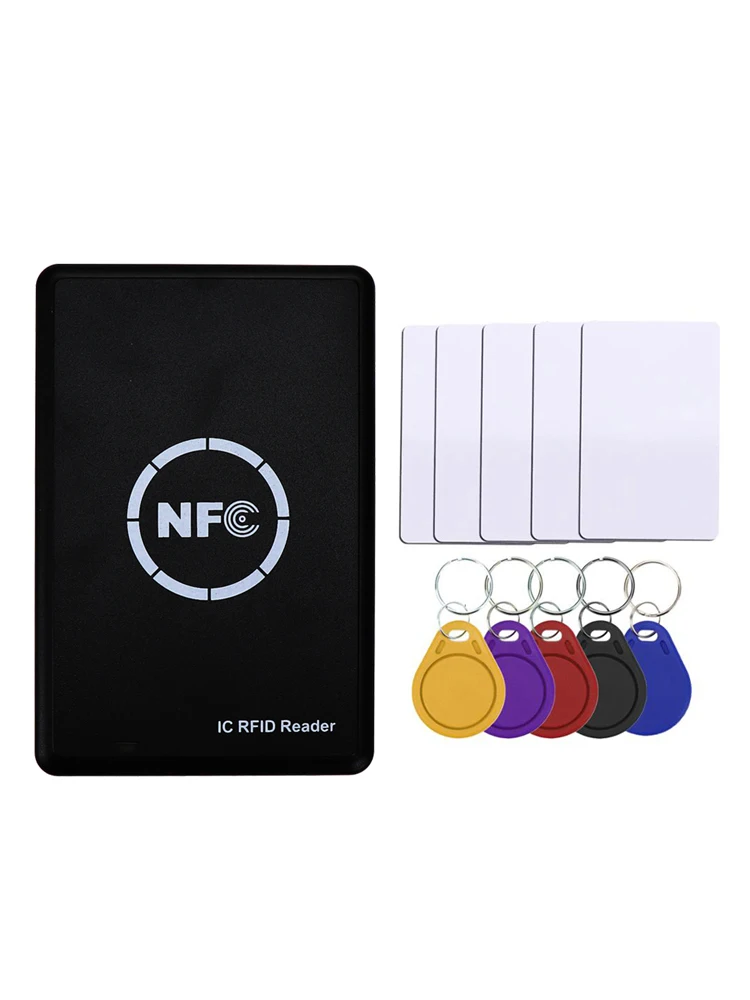
1) Support UID FUID CUID UFUID, Most of IC semi-encrypted card, IC full encryption card.
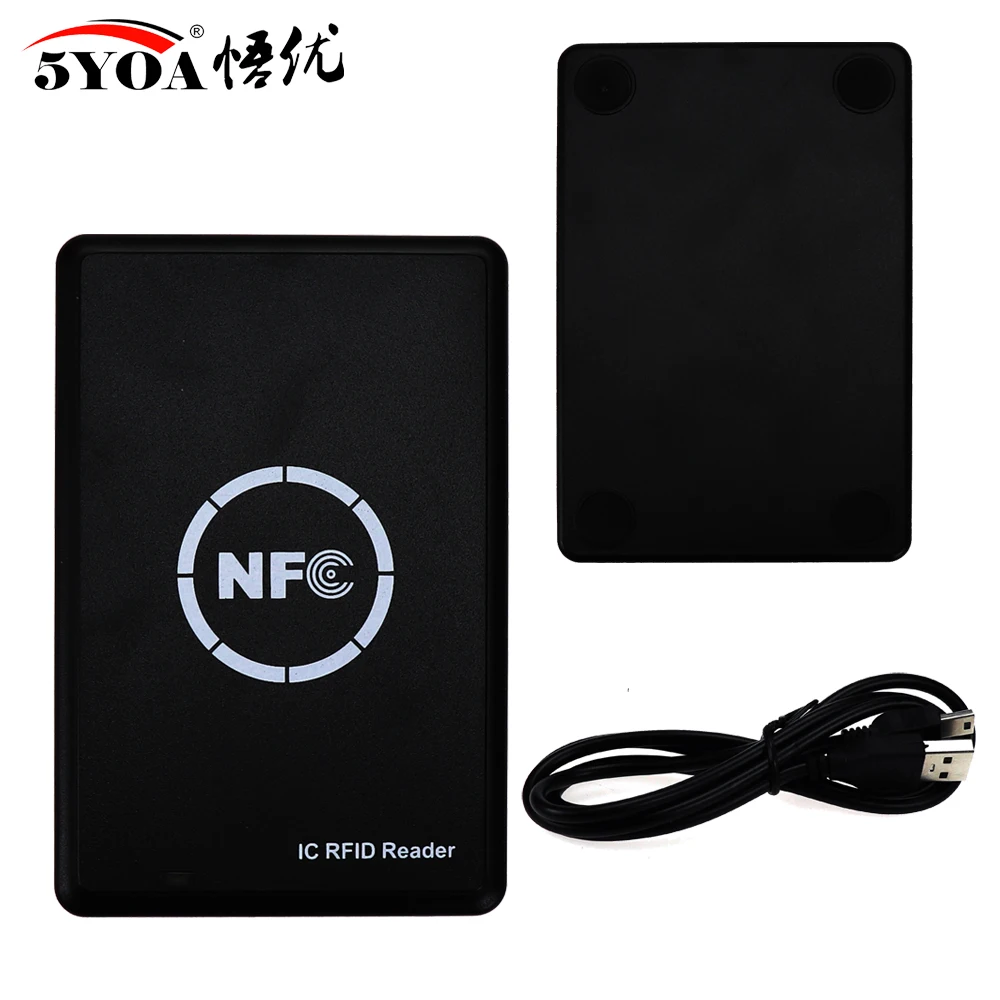
2) Has USB full speed interface
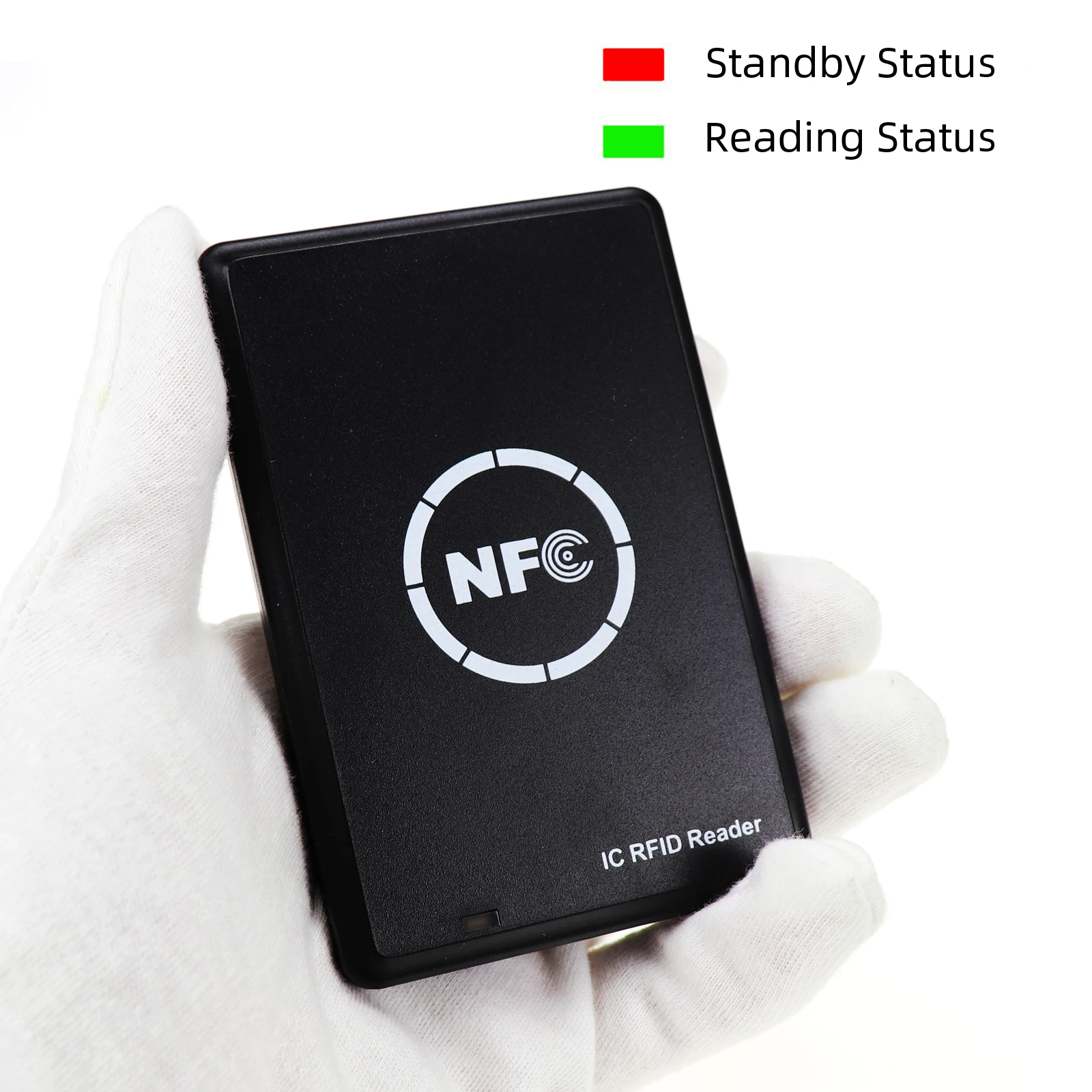
3) Two-color LED light prompt (red light is standby, green is working)
4) Built-in buzzer "beep" sound reminder
Product Parameters:
Dimensions: 108 (L) X 68 (W) X 12 mm (H)
Interface: USB full speed
Working Voltage: 5 V DC
Working current: 200mA
Standby current: 50mA
Normal current: 100mA
Working frequency: 13.56 MHz
Smart card support: UID FUID CUID UFUID, Most of IC Half-encryption, IC Full-encryption etc.
Supported operating systems: 98 Win, Win ME, Win 2000, Win XP, Win Vista, Win 7, Windows Server 2003, Windows Server 2008, Windows XP x64, Win Vista x64, Win 7x64, Win Server 2003x64, Win Server 2008x64, Win Server 2008 R2 x64, Windows CE 5.0, Windows 10
How to use the card reader?
1) Connect the device to your computer with the USB cable.
2) Download the software to use with the software: http://download.5yoa.com/NFCWSCM.zip
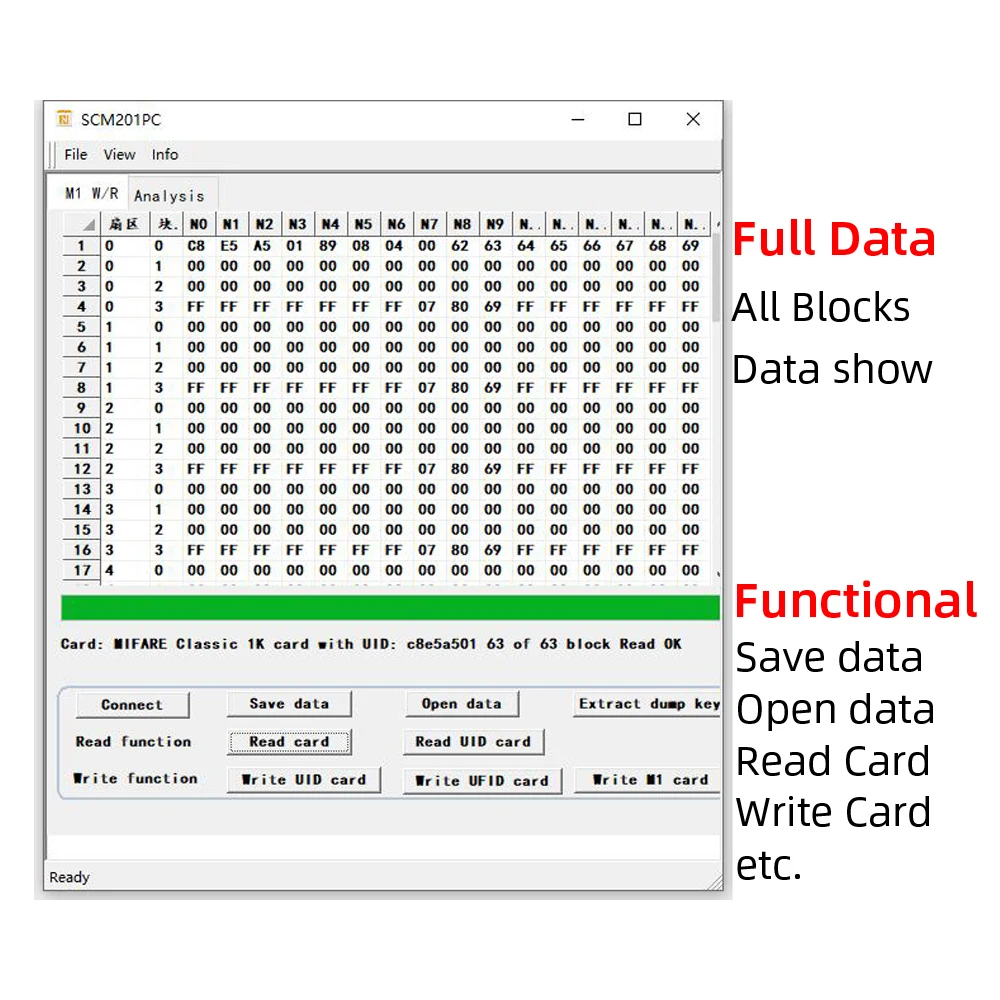
Read and write 13.56MHz IC, IC half encryption card, IC full encryption card
1. Place the card on the card reader and press ‘Read’ on the software to start decryption.
2. "√" indicates that the decryption was successful, and "X" indicates the failure.
3. After the decryption is successful, the software displays the card number.
4. Place a writable UID (13.56MHz writable chip) on the card reader and press "Write Type-A" on the software.
Note: encryption card is not 100% decode, it has successful rate, fail is also the normal result.
Subscribe and place an order of $75 or more today, and we’ll send you a 10% discount code as a thank-you for your next purchase.
Couldn't load pickup availability
How long will it take to receive my order?
How long will it take to receive my order?
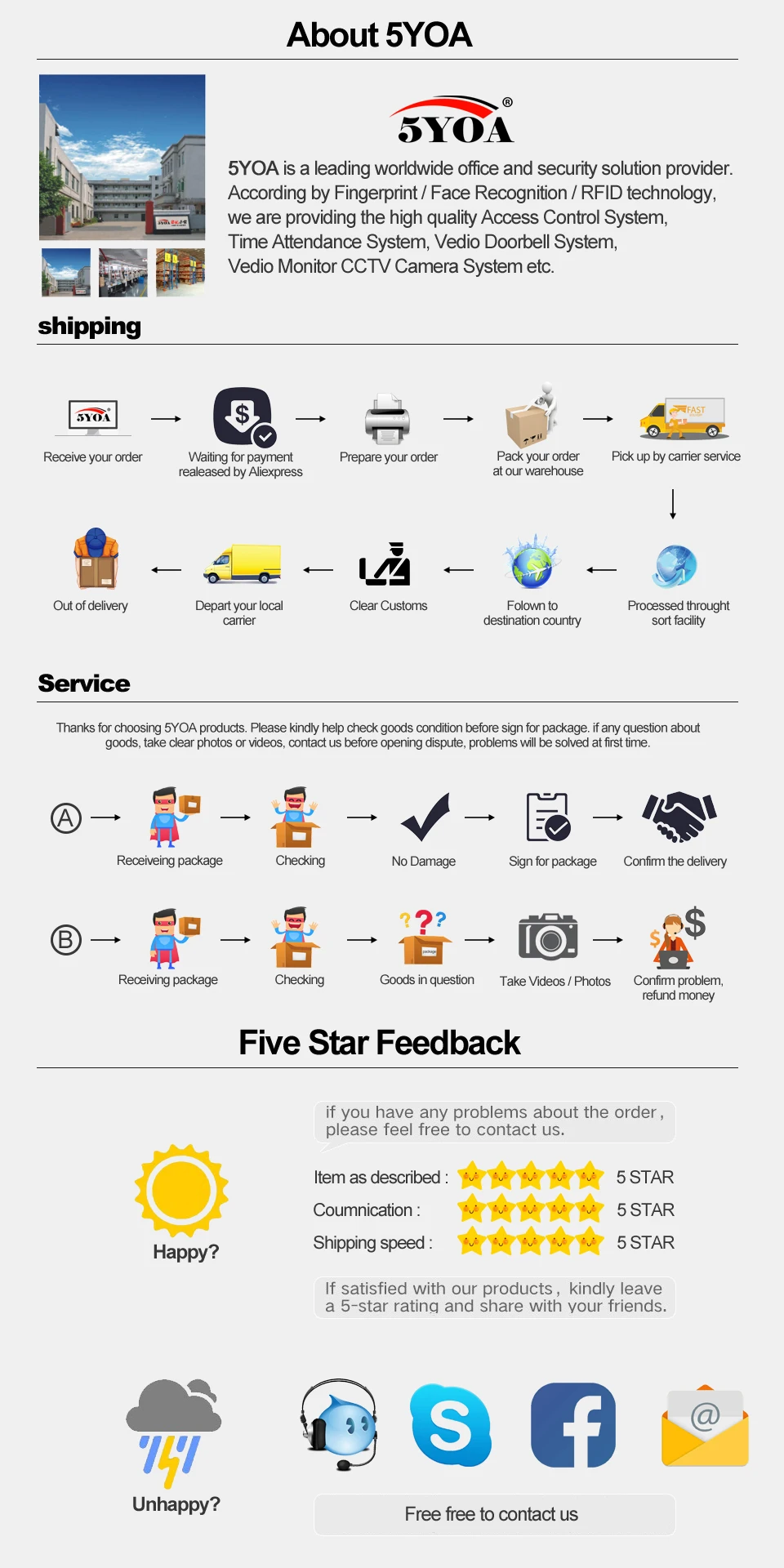
Most U.S. orders are estimated to arrive within 7–12 business days after processing. Orders to other eligible countries are also usually estimated at around 7–12 business days, depending on the product, carrier, and destination. However, delivery is not guaranteed, and some orders may take up to 7–25 business days because of carrier delays, customs, supplier processing, weather, or other shipping conditions.
What if my item arrives damaged, defective, or incorrect?
What if my item arrives damaged, defective, or incorrect?
Contact us within 7 calendar days of delivery. Please include your order number, checkout email, clear photos or video proof, and a short explanation of the issue. If approved, we may provide a replacement, refund, store credit, partial refund, or another suitable resolution.
Where can I find the full policy details?
Where can I find the full policy details?
For complete details about returns, refunds, shipping, delivery, privacy, terms and conditions, legal notices, and customer support, please review our policies under the Legal & Support section in the footer.
These policies explain important information about order processing, delivery timeframes, return eligibility, refund rules, customer responsibilities, and how to contact our support team for help.
Your payment information is processed securely. We do not store credit card details nor have access to your credit card information.

10% OFF NEXT ORDER
Place an order of $75 or more today, and we’ll send you a 10% discount code as a thank-you for your next purchase.


